
Samsung Widens One UI 8.5 Beta Rollout to Older Galaxy Devices

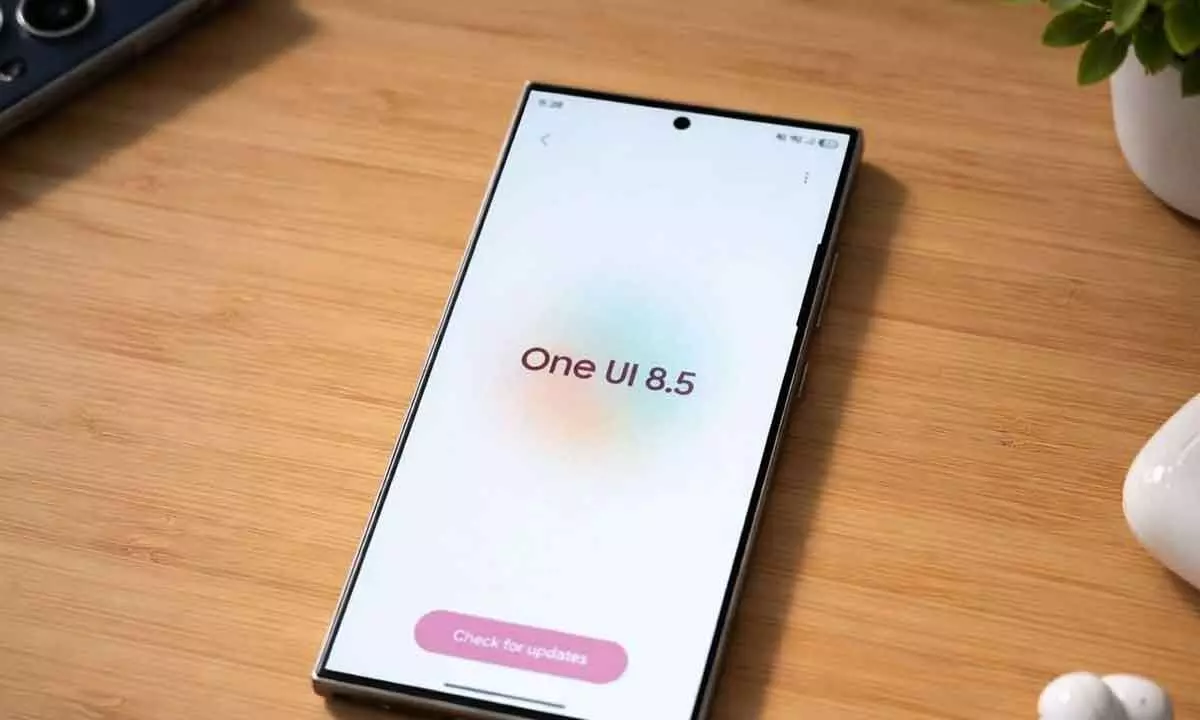
Samsung expands One UI 8.5 beta to older Galaxy devices, adding smarter sharing, AI-powered Bixby, and stronger security protections.
Samsung has broadened access to its One UI 8.5 beta program, bringing the latest software experience to a wider range of older Galaxy devices. The update is now available for users in key markets including India, South Korea, the United Kingdom, and the United States, marking a significant expansion beyond its initial rollout.
The beta program now supports several popular devices such as the Galaxy S23 series, Galaxy S23 FE, Galaxy Z Fold 5, Galaxy Z Flip 5, and the Galaxy A36 5G. Samsung has indicated that more eligible devices will be included later this month. Users interested in testing the beta version can sign up through the Samsung Members application.
Meanwhile, the stable release of One UI 8.5 is already available on newer models, including the Galaxy S26 series and the Galaxy A57 and Galaxy A37.
One UI 8.5 introduces several enhancements aimed at improving usability and productivity. A notable upgrade comes to Photo Assist, where users can now create and refine images continuously without saving each step. All changes are automatically recorded in a history view, allowing users to revisit and choose their preferred edits later.
Sharing capabilities have also been upgraded. Samsung’s Quick Share feature now intelligently detects people in photos and recommends relevant contacts for faster sharing. Additionally, users can now transfer files to iOS devices using Quick Share, effectively offering AirDrop-like functionality without requiring third-party applications.
The update also brings improvements to Samsung’s virtual assistant, Bixby. With One UI 8.5, Bixby evolves into a more conversational “device agent” capable of understanding natural language and user intent. According to the company, it allows users to control phone settings simply by describing what they want, without navigating menus or knowing specific feature names. The assistant can also analyse current device settings and suggest relevant changes, while now being capable of fetching real-time information from the web directly within its interface, reducing the need to switch between apps.
Among other additions, the Audio Broadcast feature enables users to stream media and voice to nearby devices that support LE Audio via Auracast, making it especially useful in group environments. Storage Share further enhances connectivity by allowing seamless access to files across Galaxy phones, tablets, PCs, and even TVs through the My Files app.
Security remains a major focus in this update. Samsung has introduced Theft Protection to safeguard user data in case of loss or theft. Another feature, Failed Authentication Lock, automatically locks the device after repeated unsuccessful attempts using fingerprint, PIN, or password. Additionally, Identity Check has been expanded to cover more settings, adding an extra layer of defense against unauthorized access.
With these updates, Samsung continues to strengthen both functionality and security, while delivering a more intuitive and connected experience across its Galaxy ecosystem.


